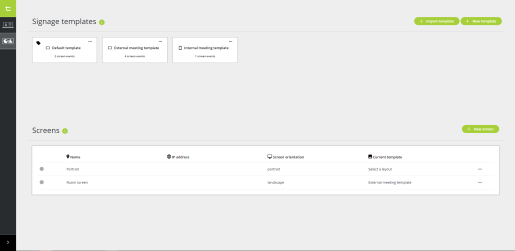
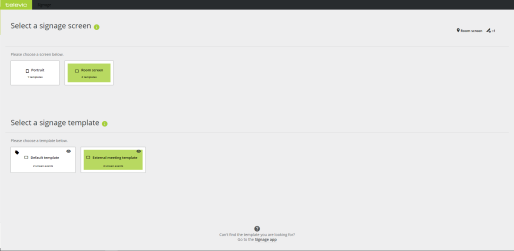
The signage application consists of two parts:
The signage application uses templates to create the screens to display during meetings. You can use the template for different meetings, depending on the content you require. Per template, you can add one or more screen events. A screen event is a specific occurrence during a meeting. Typical events are pausing a meeting, an ongoing meeting or a voting session. When these events occur, you want to display a different screen that contains other content.
There are 7 screen events possible in the signage application, and a template needs at least one event. Per event, you can configure the layout of the screen, and select which meeting content to put on the screen. The signage application automatically changes the screen when the event occurs during your meeting.
After you created the template, you need to add screens to display the templates. Screens are independent of devices, just select one of the available screens on the device you are using. Additionally, the signage application offers the option to preview screens on your device. When a screen is active, the application shows the IP address of the device, and that screen is active. To display different screens at the same time, you require an additional license that allows parallel sessions.