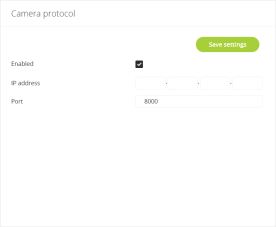
Figure 1-24 Camera control settings in the CoCon web server
The Confidea conference system supports camera control. The WCAP sends out data via UDP to the camera system. The camera control function can be enabled using the Confidea web server. How you can do this, is described below.
To combine the Confidea WCAP with the camera control feature, follow the steps described below:
Figure 1-24 Camera control settings in the CoCon web server
- Micnr : is the microphone number , can be one or more digits.
- Status : 0 = off, 1 = on, 2 = request , 3 = prior
For example: data sent when microphone 7 is in request : {“UID”: 7,“status”: 2}