_415x316.png)
Before you can install CoCon, you first need CoCon or CoCon Core. CoCon needs the CoCon database to function, because it simply displays the information that is available in CoCon (Core) in the CoCon application.
The computer running CoCon should meet the following criteria:
Follow the procedure below to install the CoCon application on your computer:
_415x316.png)
_415x316.png)
_415x316.png)
To obtain and install a new license follow these steps:
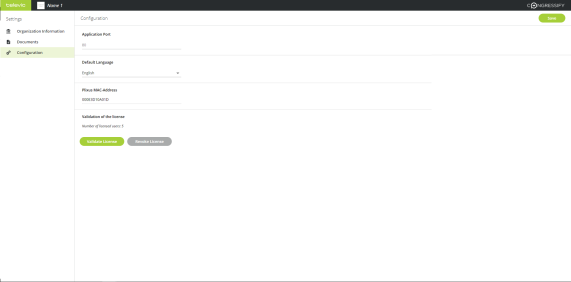
Figure 1-3 How to validate a license in CoCon
It is possible to change the number of licensed users. Notify Televic Conference by mail with the amount of users you need. When you get the notification that the license is available go to the Configuration page of CoCon.
First revoke the current license and then Validate the new license.
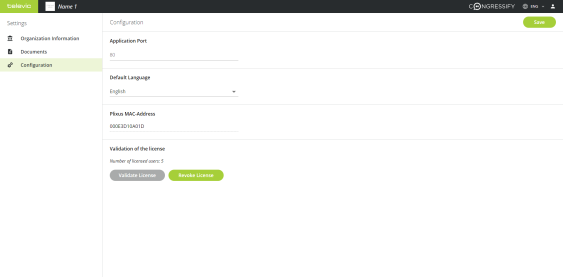
Figure 1-4 How to revoke a license in CoCon
When you want to change the computer where CoCon is running, you need to revoke the CoCon license on the old computer and validate it on the new one.
When you want to change the Plixus engine, you need to change the license because the new engine has a different MAC address which is tied to the license activation. Provide Televic Conference with the new MAC address.
When you get a notification that the new license is ready, revoke the old license and then validate the new one on the Configuration page.