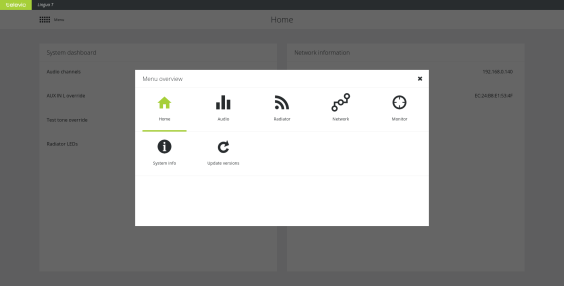
CoCon has an intuitive web server that allows you to configure different transmitter and radiator settings. With the web server you can configure the audio settings, the radiator, the network settings, some monitoring settings, licensing and updates.
The default IP address of the transmitter web server is 192.168.0.140. To be able to access the web server, configure your network settings as described in "Configure IP settings" on page 1.
Figure 3-1 The main menu of the CoCon transmitter web server
The Home screen is the landing page of the transmitter. This page shows a summary of the most important parameters, some of which you can adjust here or click the parameter to go to the page where you can configure them. Two group of settings are available: the System dashboard settings and the Network information settings.
The following system dashboard settings are displayed:
The following network information is displayed:
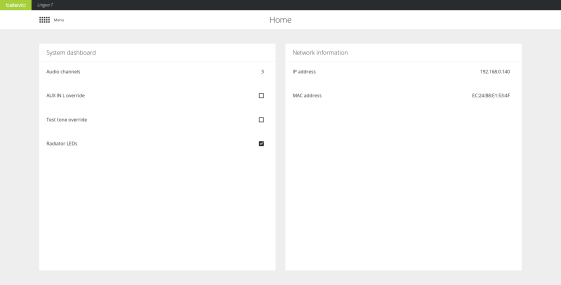
Figure 3-2 The transmitter Home page