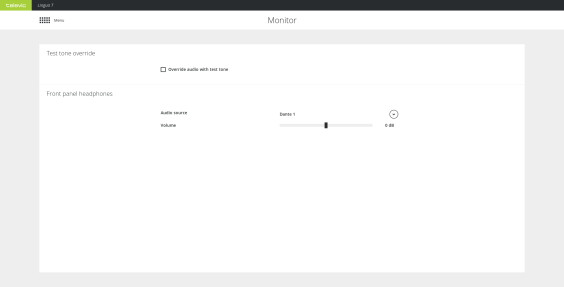
When you set up the CoCon system, you need to test the audio inside the room. If during testing there is no audio is available, you can use the test tone to check whether the receivers have audio. Select Override audio with test tone on the Monitor page.
Figure 7-1 The Monitor page
On the transmitter it is possible to check the input of every Dante™ channel and the AUX input. To hear the input plug a headphone into the front of the transmitter. On the Monitor page of the transmitter you can select the Dante™ channel you want to listen to by opening the dropdown next to Audio source. Change the volume of the channel by adjusting the Volume slider.