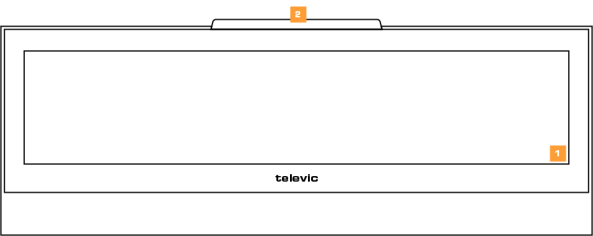
The CoCon use the E Ink technology to display user-specific content. The nameplate has two sides that can display different content. When the power of the nameplate is off, then the content will still be visible on the nameplate.
Below you can find an overview of the different functionalities available on the nameplate.
Figure 1-19 CoCon front side
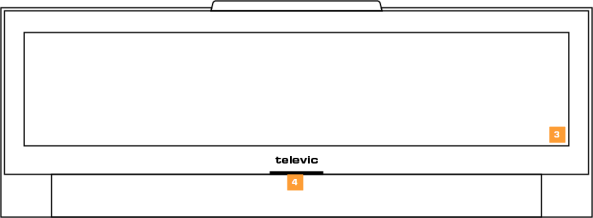
Figure 1-20 CoCon back side
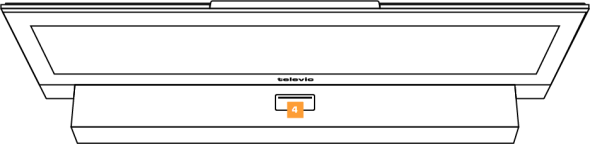
Figure 1-21 CoCon top view

Figure 1-22 CoCon bottom view
The CoCon has the following components: