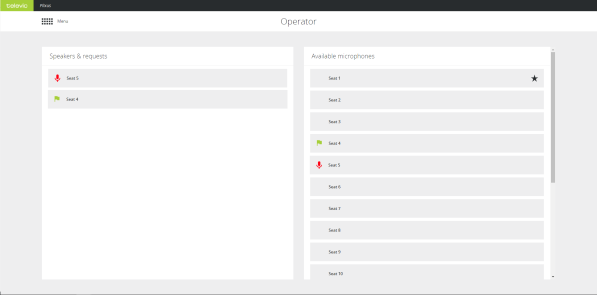
| Speakers & request |
Shows all active microphones  , all requests , all requests  (only possible with Request microphone mode) and replies (only possible with Request microphone mode) and replies  (if configured). Click on an active microphone to switch it off. Click on a microphone in request or reply to turn it on. (if configured). Click on an active microphone to switch it off. Click on a microphone in request or reply to turn it on. |
| Available microphones |
This list shows all microphones, sorted on seat number, with an indication of the chairperson priority and the active or request microphones. Clicking on a microphone will change the status from either to active or switch off the microphone. |