 in the main menu. The configurations available originate from CoCon or the API. Select one of the configurations from the drop-down list to activate it.
On the Video page you can select the which video configuration to use in your setup. To access the Video page, click the Video icon in the main menu. The configurations available originate from CoCon or the API. Select one of the configurations from the drop-down list to activate it.
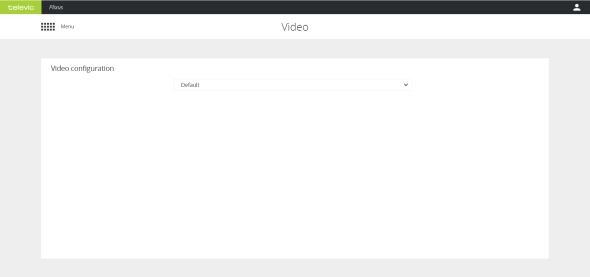
Figure 1-67 The Video page