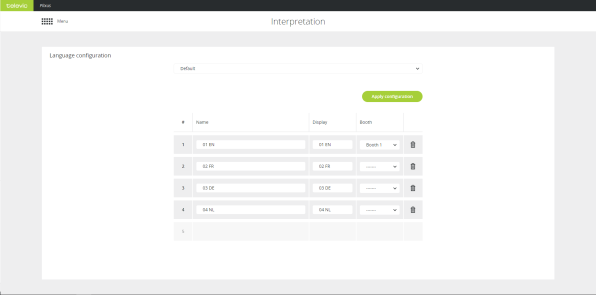
On the Interpretation page you configure the languages needed for the meeting. You can add up to eleven channels.
Figure 1-65 Interpretation page
To add a language configuration, click the bottom empty field in the table in the Column Name. You can define the following parameters:
Click Apply configuration to activate it.

Figure 1-66 How to add language configurations created in CoCon
You can also configure languages in the CoCon Interpretation application. You can find these configurations in the drop down list on top of the page. Select the configuration and click Apply configuration to use it. When you open a different configuration, the default configuration will be cleared.
