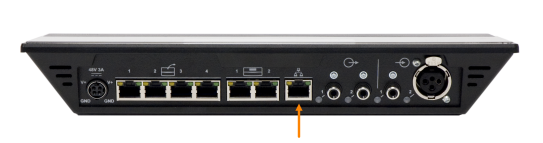
To access the web server connect your computer or smartphone (by means of a router) to the LAN port using a straight-through patch cable.
Figure 1-18 LAN port on the CoCon central unit
The web server is HTML 5 based web server, which is compatible with mobile devices such as iPhone, Android or iPad.
To access the web server open your web browser and type in 192.168.0.20 in the address bar, press enter. You will then see the CoCon login screen. The default password is "1234", click Login.
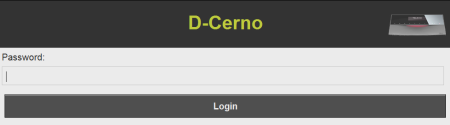
Figure 1-19 CoCon login screen
After you successfully establishing a connection to the D-Cerno webserver and passing the password screen, the default D-Cerno screen appears.
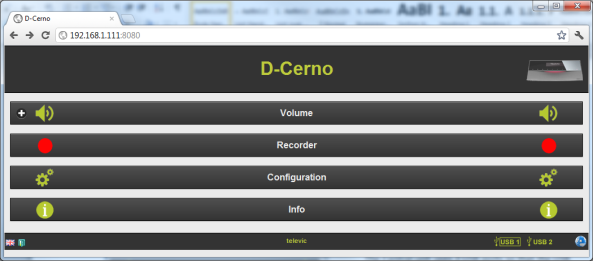
Figure 13.11: Default screen